One selfie.Your colors.
CAPSI finds your colors in four steps, all inside the iOS app. The analysis is built specifically for brown and olive skin.
Take a selfie in the app
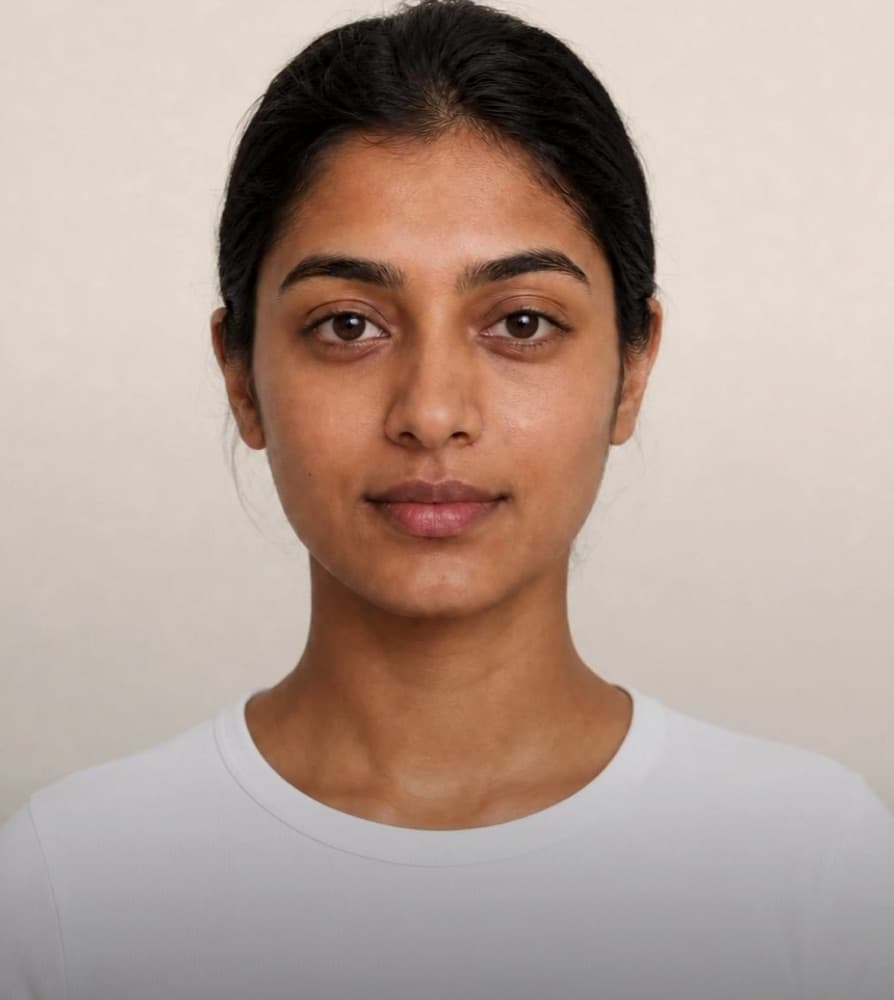
Use the camera or pick a photo from your library. Face forward in even light, with your face, neck and shoulders in view. One clear photo is all it needs.
Your skin is analyzed
Computer vision finds your face, then reads your undertone, depth and contrast in LAB color space, calibrated for brown and olive skin.
Get your colors
The free preview shows your undertone, depth, season and six of your colors. CAPSI Plus unlocks all 24, the colors to skip, and makeup and jewelry guidance.
Shop with confidence
Try shades on your own photo with virtual draping, check any garment with Match Check, and browse shopping picks filtered to your palette.
See your colorsfirst
The CAPSI iOS app is coming soon. Join the waitlist and we'll email you on launch day.